Set Up Your Mobile Document Vault
Search receipts on your commute or snap photos of paper letters right from your kitchen counter. Choose your preferred method below to connect your device.
Method 1: Web App Icon (Instant)
Fastest setup. One-tap home screen access with zero configuration or storage overhead.
Method 2: Native Scanner App
For Swift Paperless. Auto edge-detection, batch scanning, and permanent background sync.
Method 1: Add to Your Home Screen
Takes under 60 seconds — works directly in Safari (iPhone) or Chrome (Android)
iPhone & iPad (Safari)
- Open Safari and navigate to your private vault address:
https://vault-[yourname].polarit.uk - Log in using your account email and one-time security code.
- Tap the Share button (the square with an upward arrow) on the bottom navigation bar.
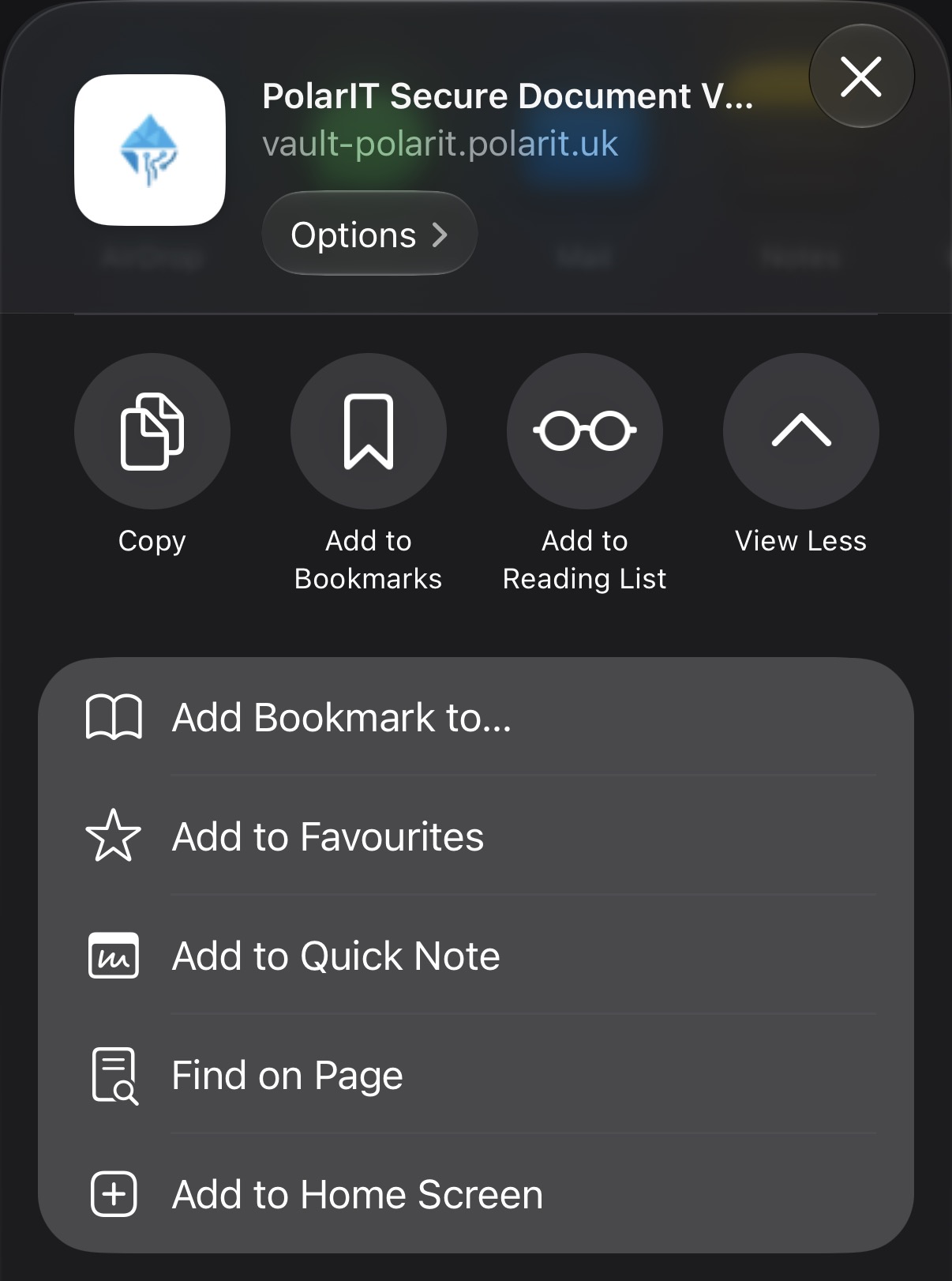
- Scroll down and tap Add to Home Screen.
- Confirm the name PolarIT Secure Document Vault and tap Add.
Android (Google Chrome)
- Open Chrome and go to your vault link:
https://vault-[yourname].polarit.uk - Log in to your account.
- Tap the Three Dots (⋮) menu in the upper right-hand corner of the browser.
- Tap Install app or Add to Home screen.
- Confirm by tapping Install. The icon will appear directly on your home screen.
Method 2: Connect Swift Paperless (Mobile App)
Camera auto-cropping, document scanning, and seamless Zero Trust sync
Download the Client App
Install the official client application from your device's store:
- iOS & macOS: Search for Swift Paperless in the App Store.
- Android: Search for Paperless Mobile in the Google Play Store.
Email Us to Enable Mobile Access
Drop a quick email to [email protected] with your vault address.
Our team will configure your vault's security policy and email you your personal mobile pairing details within 24 hours.
Connect and Start Scanning
Once enabled, follow the quick instructions in your confirmation email to connect the app. You can then use your camera to scan letters and receipts with instant search indexing.
Request Mobile App Access
To have Swift Paperless or Paperless Mobile enabled for your vault, click the button below or email our support desk directly.
- Your full name
- Your registered vault address (e.g.
vault-smith.polarit.uk) - Your device type (iPhone, iPad, Mac, or Android)
Keys are typically provisioned within 24 hours. Need faster assistance? Call 01732 495818 during our evening support hours.
Helpful Tips for Commuters & Busy Households
Need help setting up your phone or home scanner?
PolarIT provides evening and weekend IT assistance tailored to the schedules of busy households across Sevenoaks and surrounding villages.